Let’s work together
I design scalable platforms and streamline infrastructure so your team can move faster, safer, and smarter.

© 2026 Raditya Surya. All rights reserved.
I design scalable platforms and streamline infrastructure so your team can move faster, safer, and smarter.
© 2026 Raditya Surya. All rights reserved.
Discover Hyper, an electron-based terminal built with web technologies that's fully extensible and works across MacOS, Windows, and Linux.
Hyper is an electron-based terminal, which is built on HTML, JavaScript and CSS. The terminal is fully extensible because it uses web technologies and it could run on MacOS, Windows and Linux.
To install hyper on your machine is really simple:
brew update
brew cask install hyper
choco install hyper
Or you can download it from https://hyper.is/
Spaceship prompt is a ZSH prompt that is really minimalistic and extremely customizable.
It combines everything you may need for convenient work, without unnecessary complications, like a real spaceship.
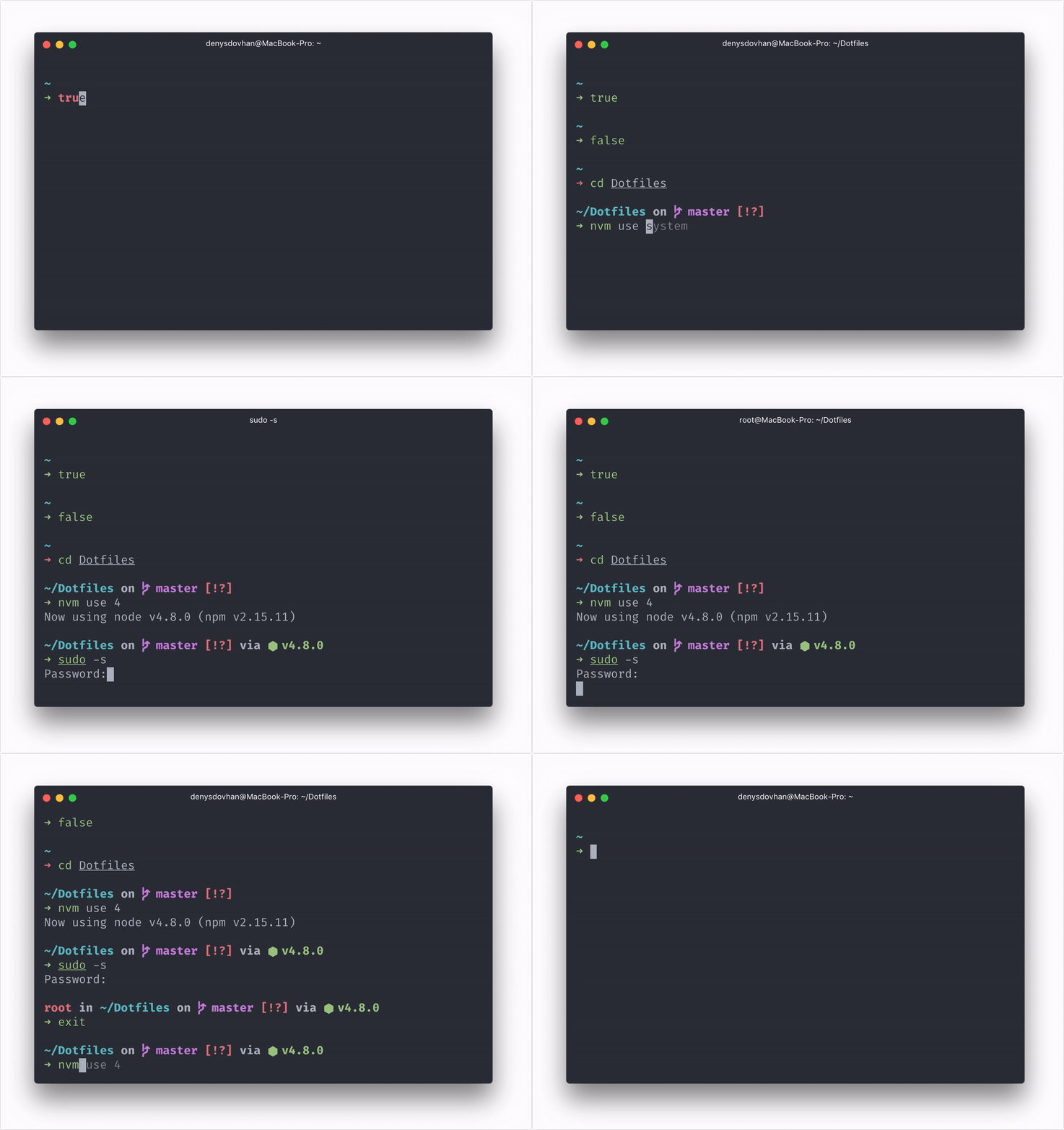
Source: https://github.com/denysdovhan/spaceship-prompt
If you have NPM installed, you can simply install the prompt easily with NPM
npm install -g spaceship-prompt
or if you use oh-my-zsh you can simply clone the original repo
git clone https://github.com/denysdovhan/spaceship-prompt.git "$ZSH_CUSTOM/themes/spaceship-prompt"
Symlink the spaceship.zsh-theme to the ZSH custom themes directory
ln -s "$ZSH_CUSTOM/themes/spaceship-prompt/spaceship.zsh-theme" "$ZSH_CUSTOM/themes/spaceship.zsh-theme"
and set ZSH_THEME to spaceship in your .zshrc file.
I have been using hyper for the past six months now and this terminal really rocks. I really love the appearances and the plugins that they have. With hyper and ZSH combined, you could have a really powerful terminal.
The only downsides that I faced that it could be really slow when you are doing some heavy task with the terminal, such as opening a lot of tabs or running a heavy script.
Overall, this terminal rocks!